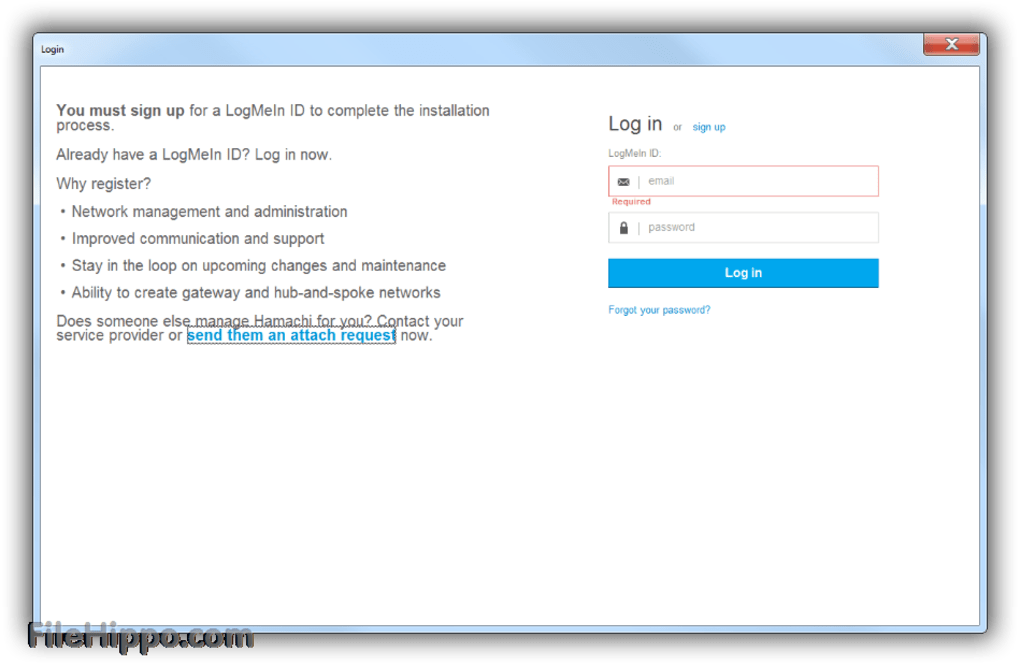
Create a direct link between computers with Hamachi free
Hamachi is an excellent tool for hosting your own VPN (Virtual Private Network) and connecting it to any other computer or device. It creates a secure and encrypted VPN on your local network, acting as a server and client at the same time. This means your computer becomes part of a network that you can use to access files or services as if it were directly connected to the network. This makes it a helpful tool for setting up a VPN for gaming or file sharing.
It was developed by LogMeIn Inc and can be used free of charge for up to 5 computers in your network. If you need to connect more computers simultaneously, you can purchase one of the subscription packages to increase the number of computers. There are many alternative solutions for creating VPNs. Some are free with limitations, but most require purchasing one of many available licenses, such as Betternet Free VPN (free with limitations) or ExpressVPN (paid service).
How does Hamachi work?
When you start Hamachi, it will create a new network on your computer – notice that this being a VPN tool, it will not be visible outside of the local area network. Once you've created your first virtual network, you can invite other users to join your newly created network. In order for them to do so, they need to have Hamachi installed on their computer.
Advertisement
The next step will be to establish the connection between your network and the new user's network. This is done by generating a unique key that allows communication only within your virtual private network. Otherwise, it would be like opening up your local area network (LAN) for everyone to access freely. Once they accept the invitation to join your virtual network, you will be able to share files or play games together. You can also set up a chat room for each connection to easily communicate with the users on the other end of the computer.
In order to use Hamachi, you need to have administrator access on your computer – this is because it generates a new virtual network adapter (Hamachi Network Interface) on your system, which will be visible as a device in Device Manager.
Each computer with Hamachi installed will get its own virtual adapter, which is normally disabled by default. You can enable it from the Network Connections window. In order to do this, you need to open Control Panel -> Network and Sharing Center -> Change Adapter Settings from the menu on the left. Then find your Hamachi adapter in the list, right-click on it and select Enable. This will create a new interface called Hamachi Network Interface.
How does Hamachi handle privacy and encryption?
Your data is protected because it's transferred over an encrypted connection to your computer, then decrypted and sent to the appropriate location (e.g. another user on your network). This means that you don't have to worry about sending sensitive data across an open internet connection where anyone can intercept it. The encryption process uses the AES-256-CBC algorithm encrypted through a 2048-bit RSA key.
To be able to communicate across the virtual network, Hamachi uses its own protocol, which has been designed specifically for this purpose – LogMeIn Hamachi Protocol (LMP). LMP is based on UDP and implements its own method of managing connectivity between endpoints. The interesting thing about this protocol is that it uses TCP/IP for the initial connection, but once the link has been established, it switches to LMP for subsequent communications.
How much does Hamachi cost?
You can use Hamachi free of charge for up to 5 computers on your network. If you need to connect more than 5 machines, you will need to purchase one of the paid subscription packages. There are currently three subscription packages available:
- Standard plan - allows 6-32 computers/network
- Recommended plan - allows 33-256 computers/network
- Multi-network plan - allows 256-unlimited networks
A great VPN for private networks
Hamachi is a great tool for creating a VPN to share files or play games with friends within a closed local area network. You can also use it as an effective alternative to the services provided by SSL VPN vendors such as OpenVPN, ExpressVPN, etc. If you need to connect more than five machines, you will need to purchase one of the paid subscription packages.
The main advantage of Hamachi is its simplicity and ease of installation – all you need to do is download it, run the executable file, then install the driver on your system, and you're ready to go.