Technical
- Title
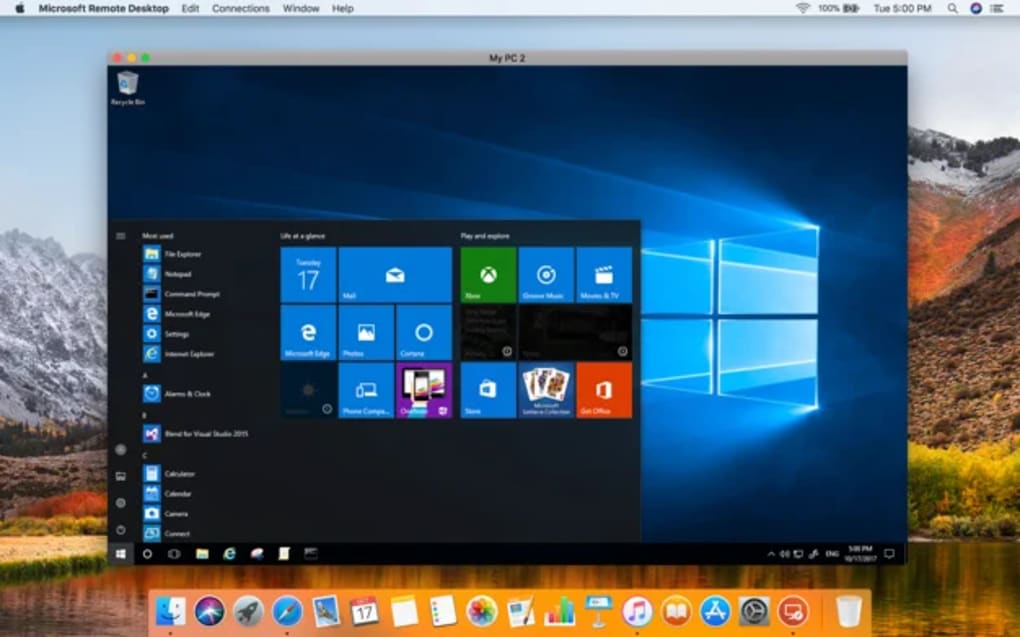
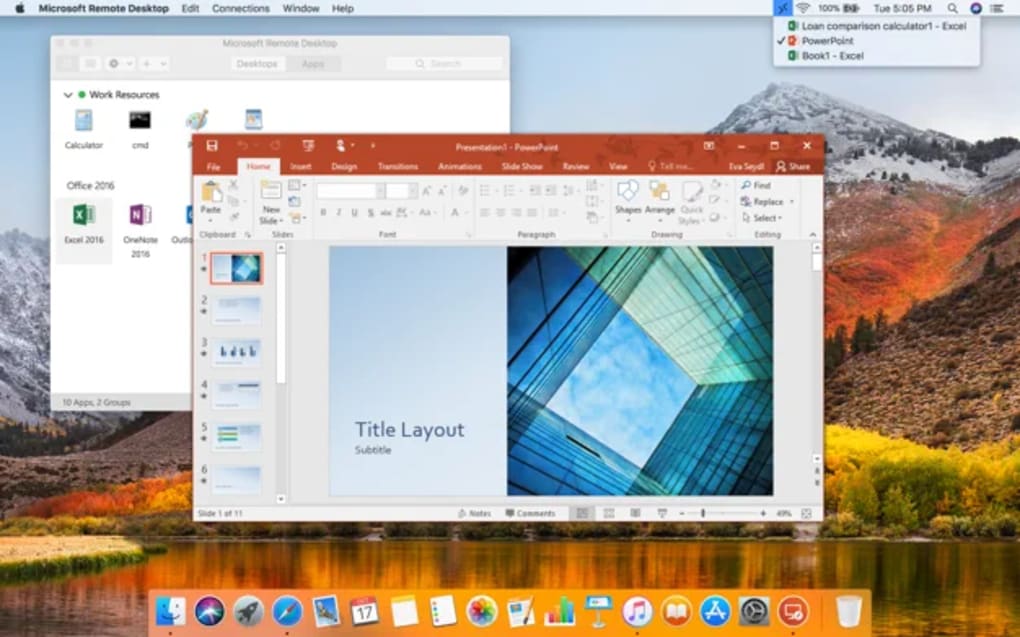
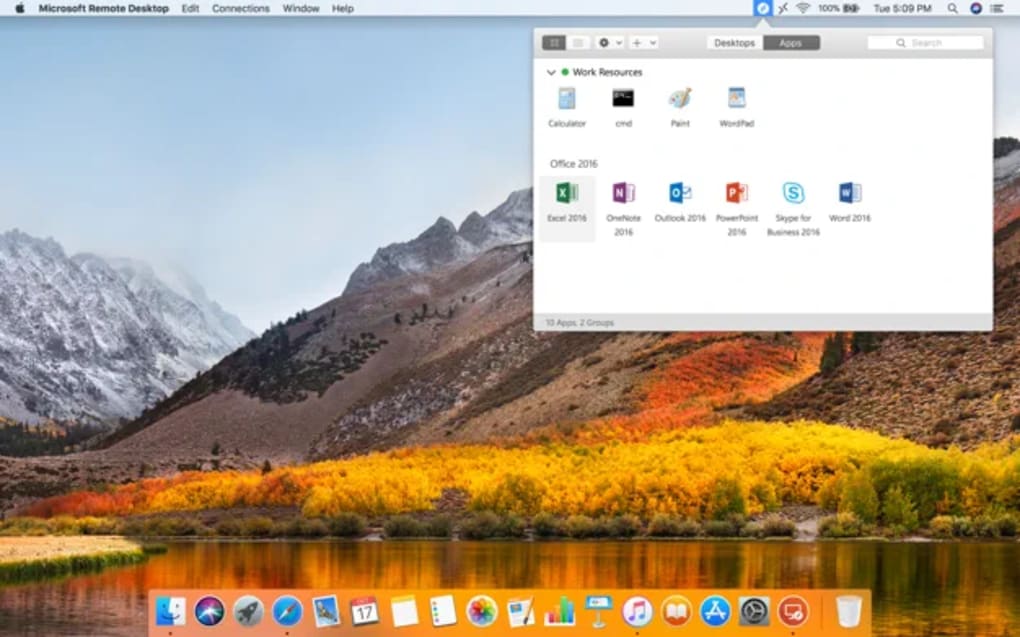
- Microsoft Remote Desktop 2.1.1 for Mac
- Requirements
- Mac OS X
- Language
- English
- Available languages
- German
- English
- Spanish
- French
- Italian
- Japanese
- Polish
- Chinese
- License
- Free
- Latest update
- Author
- Microsoft Corporation
- SHA-1
1667dcac2527cbc3114c9141ab3d32371c8fa1d0
- Filename
- RDC_2.1.1_ALL.dmg
Program available in other languages
Changelog
We don’t have any change log information yet for version 2.1.1 of Microsoft Remote Desktop. Sometimes publishers take a little while to make this information available, so please check back in a few days to see if it has been updated.
Can you help?
If you have any changelog info you can share with us, we’d love to hear from you! Head over to our Contact page and let us know.
Explore apps
Related software
Microsoft Remote Desktop Connection
Free PC remote desktop
Samsung DeX
Seamless mobile-to-desktop experience

Microsoft 365
Productivity Cloud
Remote Desktop Client
Connect your Mac to a PC and share files
IP Messenger
Lightweight LAN messaging without a server

Google Chrome
Fast and reliable browser

USB Network Gate for Mac
USB Network Gate enables you to share any USB device among multiple computers, perfect if you need to print, scan or fax from any computer. There is the option to add a password so that you can control remote access too. As well as sharing USB peripherals, USB Network Gate also allows you to connect a USB device to virtual machine software or blade servers. This is a great feature because it means you can quickly and easily access your USB devices from a remote virtual desktop. It's compatible with VMware, VMware ESX, Citrix XenDesktop and Microsoft Hyper-V. USB Network Gate is the ideal choice if you need to share a USB device in the office. Rather than changing existing network configurations, you can simply share an USB printer, scanner or other device on a single MAC and then it can be accessed wirelessly from other desktops or laptops in the office. USB Network Gate is probably more suited to a business environment, ideal if you are a network administrator. The interface lacks a little luster but that probably won't matter to a network pro. For a full list of supported devices see here.
BlueStacks App Player
Android emulator for macOS
TeamViewer for Mac
A reliable tool for remote access and support
Adobe Premiere Pro CC
Comprehensive editing with pro workflow support
VMWare Fusion Pro
Advanced virtualization for macOS power users
iTunes for Mac
Effortless media organization in one place
Last updated
3Tools
3uTools: Free iOS device manager

Avast One Free Antivirus for Mac
World-class security and privacy for free
WeChat
All-in-one communication and sharing application
Adobe DNG Converter
Universal RAW conversion for photography workflows
OS X Yosemite
OS X Yosemite Review: A Seamless Mac and iOS Experience
Video DownloadHelper
Versatile tool for downloading browser videos
Clip Studio Paint
Comprehensive Review of Clip Studio Paint for Mac
Blender
Blender (Mac)
QQ Music
Stream Music Effortlessly with QQ Music
Typora
Typora - Search Engine Optimization Tool
Liqoria - Music Player for Mac
Liqoria: A Feature-Rich Music Player for Mac
ExtraDock
ExtraDock: Customizable Dock Enhancements for Mac