Google's top free browser

Google Chrome for Windows and Mac is a free web browser developed by internet giant Google. Chrome is designed to offer its users a fast and easy browsing experience, reason why its user interface is rather clean. Google has put efforts into making its browser a safe one with great settings, information and cookies management built-in tools.
What are the main reasons for installing Google Chrome?
A computer can have several browsers at the same time. This means that you don't have to delete Explorer when you install Google Chrome on a computer. In fact, advanced users use different browsers for different reasons.
Google Chrome is the best choice for Internet users who have a Windows-based computer and who meet one of the following criteria:
- A slow internet connection.
- They need an updated browser.
- They are not technology experts.
Speed
Google Chrome is one of the fastest browsers, if not the fastest, on the market. There are several reasons for this:
- The simplicity of its interface, with little more than the bare minimum, makes it consume very little RAM memory.
- Even if extensions and plug-ins have been installed, they do not load when the page loads, so the user does not need to wait.
- It uses the latest JavaScript engine available at all times.
- It has a DNS pre-fetching function that improves the loading speed of the various web pages. It relies on Google's servers to achieve this.
Automatic updates
Google Chrome doesn't rely on the user for updates, it just updates itself. Whenever Google releases a new update, which it does quite often, it installs the corresponding files. As a result, many users do not know which version of Chrome they have installed. To find out, just click on the key icon which is located in the upper right-hand corner.
Security
The updates always incorporate an updated version of the malware and phishing databases, so users will see an alert every time they go to a listed website. Security and privacy is one of the key features of this browser.
Customisable home page
Users can customise the homepage that Google Chrome displays when a user opens the browser. There are two options:
- Thumbnails of the most visited sites that work like shortcuts and can be changed according to your own preferences.
- Icons of the installed applications.
Bookmark bar
There is a yellow star placed in the top right corner, next to the key, that allows users to save the web pages they visit. They can be stored in the bookmark bar or in a structure designed by the user, hierarchical or otherwise. The bookmark bar can be kept visible or hidden.
Google Chrome Extensions
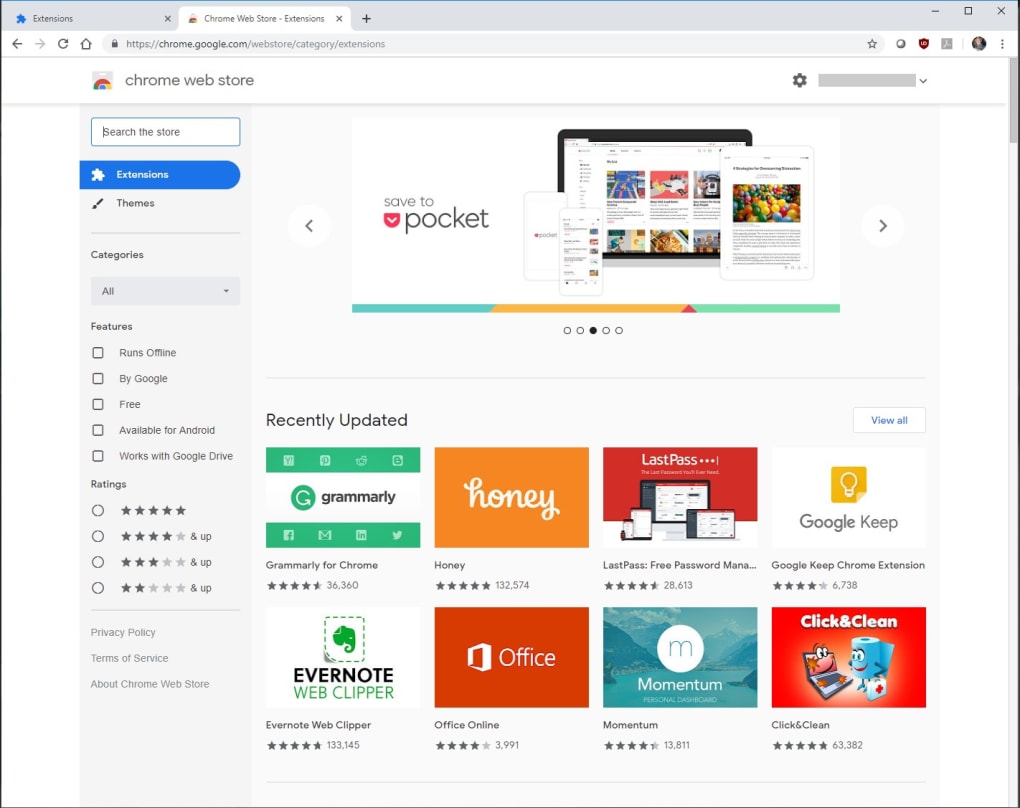
One of the biggest advantages of Google Chrome for Windows is the variety of extensions it offers. These extensions are applications that the user decides whether to install in the browser. The decision is personal and depends on the needs or interests of each user. Google Chrome installs three of them by default: the Google search engine, Gmail and YouTube.
There are extensions of all kinds, from games to social networking tools and utilities. Even though most of them are free, others are paid or have paid versions. Here is a link to popular add-ons that we suggest.
It is important to install only extensions that are necessary, so as not to affect the performance of the browser.
Google Chrome and its relationship with Google
Chrome is called Google Chrome for a reason. It's Google's browser and it's designed to be optimised for searches. The search engine is one of the three extensions that appear in the default start window and to perform a search users just have to write their search terms in it and press enter.
Data Synchronisation and Google Services
Google offers all kinds of services. From email via Gmail to Google Maps and the YouTube social network. If you use any of them, the browser allows you to synchronise them all to log in at the same time.
This synchronisation saves your bookmarks, extensions, preferences and themes in the cloud. This means that they will be available on any device when you sign in to Google Chrome.
Incognito navigation in Google Chrome.
Like other browsers, Google Chrome allows browsing without tracking. In this browsing mode, the programme does not track or save the data from the pages visited.
Avoiding tracking means that no cookies are saved, for example, so that users receive less advertising. The option is disabled by default. To activate it, go to the configuration menu (key):
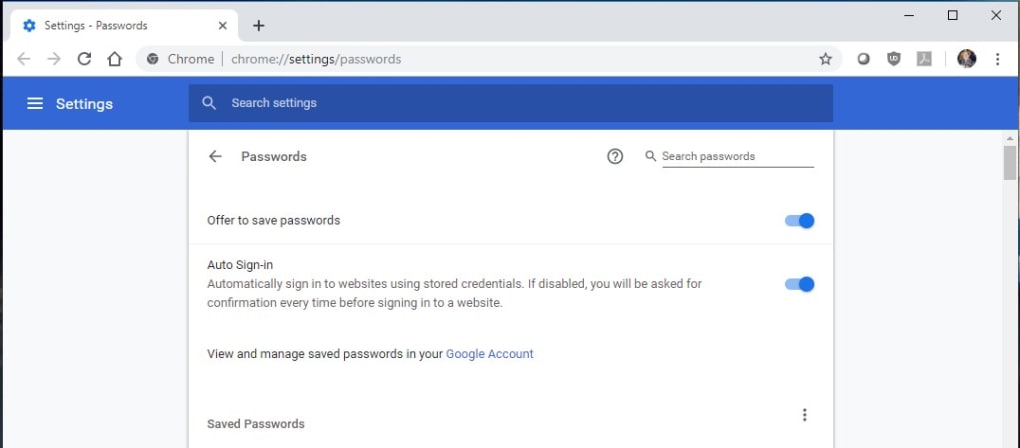
- Display the advanced options
- Check 'send a 'Do not track' request with your browsing traffic.
Different profiles in Google Chrome
One of the reasons for Google Chrome's popularity is how easy it is to create multiple profiles.
Profiles are, to put it simply, different compartments of the browser where users can store their bookmarks and search history, etc. It's a good idea to have several profiles if you share your computer. It means each user can have their own profile and access to their own data.
Creating multiple profiles in Google Chrome can be useful even when there is only one user. It allows you to manage different accounts in social networks and keep professional activity on the web separate from personal activities, etc.
Should you use 32 or 64-bit browser?
First of all, Google decides whether you should use the 32-bit or the 64-bit version to help you have a pleasant experience surfing the internet. There are some obvious differences between these two types of programs and it depends on your computer specs. If you use older hardware or a low-spec PC, you might have to use the 32-bit versino while the the other up-to-date systems will enjoy the latest features of the 64-bit version. Here are all the differences you should know:
Security
- When it comes to security, the 64-bit Chrome takes the lead. Widely considered more secure, it comes equipped with additional features and enhancements embedded in its 64-bit architecture, ensuring a fortified browsing experience.
Compatibility
- The 32-bit Chrome displays its universality by seamlessly operating on both 32-bit and 64-bit operating systems. In contrast, the 64-bit version, while still functional on 32-bit systems, truly shines when paired with its intended 64-bit platform, delivering optimal performance benefits.
Plugins and Extensions
- For those clinging to older plugins and extensions, the 32-bit version maintains compatibility. However, those embracing innovation will find the 64-bit Chrome tailored to support the latest advancements, optimized for the cutting-edge plugins and extensions designed for 64-bit systems.
Stability
- In terms of stability, the 64-bit version of Chrome stands as the theoretical beacon of reliability. Especially in scenarios involving large datasets, its expanded memory address space makes it less prone to crashes, promising a stable browsing experience.
Operating System Compatibility
- The 32-bit Chrome exhibits versatility, functioning seamlessly on both 32-bit and 64-bit versions of operating systems. Meanwhile, the 64-bit version is purpose-built for 64-bit operating systems, harnessing the full potential of modern architectures.
In conclusion
Installing Google Chrome carries some advantages that, by far, outweigh its downsides. Chrome is your browser if you are looking for a fast, safe and easy-to-use web browser. With its extensions, you incorporate features to it, as if they were modules in a very easy way.
You might also want to consider other free browsers such as Avast Secure Browser, Mozilla Firefox, Microsoft Edge, Opera, or another wide range of available free browser for Windows.


.png)